Virtual Escape Rooms for Teams & Groups
- £8.99 — buy once, replay forever
- Any device, instant access
- Solo or as a group over Zoom
- No app or download
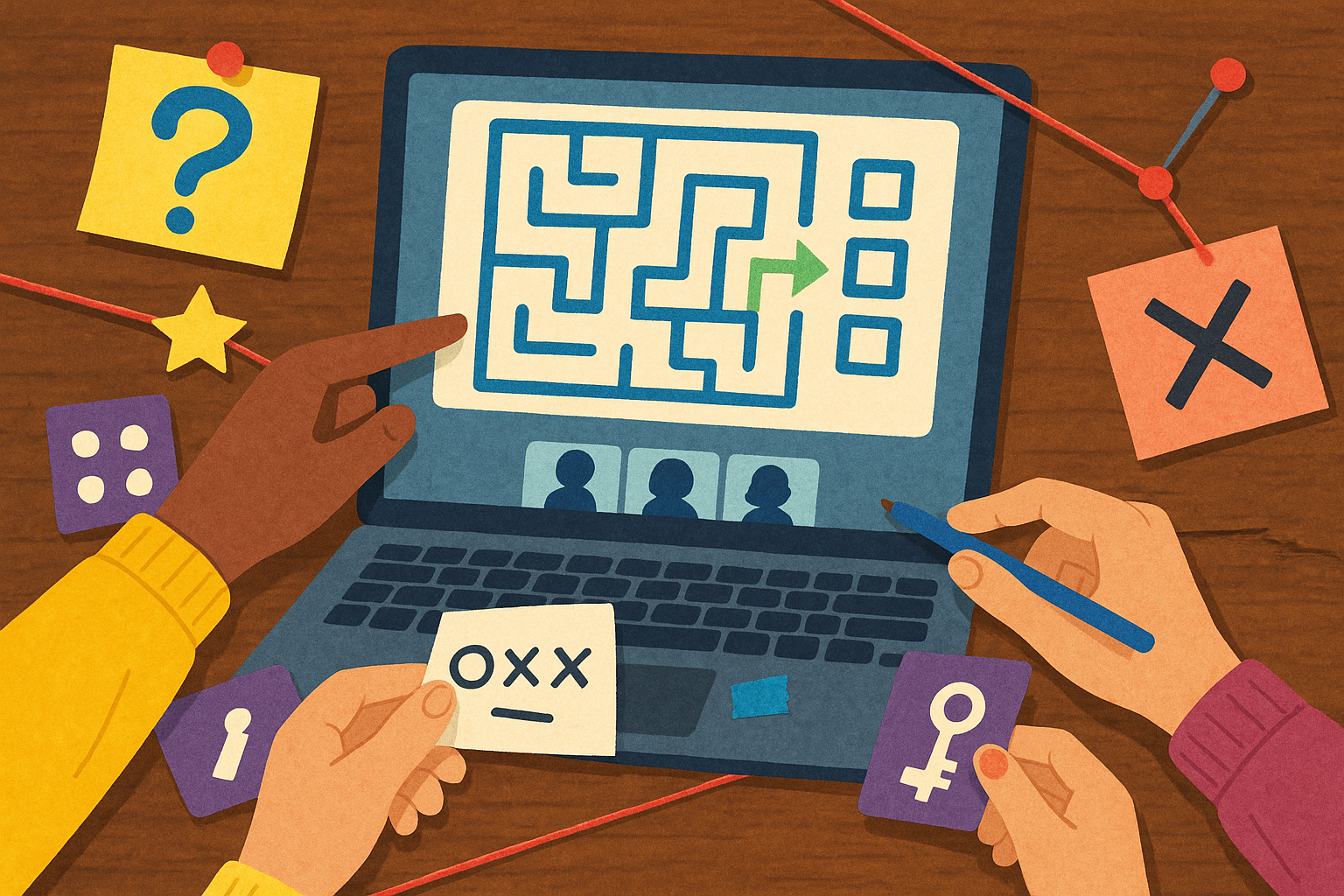
A virtual escape room for groups gives you the buzz of a real-life escape room, but it comes to wherever your people happen to be. No venue to drive to, no fixed time slot to race against, and no minimum number of bookings to worry about. Everyone just opens a browser, hops on a video call, and you start solving together.
It works brilliantly for teams who work from home, friends scattered all over the place, or families who can't easily get into the same room. And because each of our games is just £8.99 to buy once and replay forever, it's a cheap way to get people together as often as you fancy.
How virtual escape rooms work for groups
It's pretty simple, honestly. One person buys the game, then shares their screen on a video call like Zoom while everyone else watches and chips in. You all see the same puzzles, clues and locked-off bits at the same time, and you work the answers out as a group.
Think of the person sharing their screen as the team's hands. They click where you all decide to look, type in the codes you crack, and read out anything that's tricky to spot. Everyone else gets to play detective, noticing patterns, joining up the dots and lobbing in theories.
What we love about this setup is how it pulls the quieter folk in. Our puzzles reward different ways of thinking, so the person who clocks a hidden detail and the one who makes the daft leap that turns out to be right both get their moment. It's built for playing together, which is why it works so much better as a team thing than something you just sit and watch.
There's no app or download to bother with. Our games run in any modern browser on a laptop, desktop, tablet or phone, so nobody's installing anything or poking at settings before you can start. The moment you've bought your game, you're in.
What you need to play
- One copy of the game, bought for £8.99.
- A free video-call tool like Zoom, with screen sharing switched on.
- Any device with a browser and an internet connection.
- A few people up for putting their heads together.
Can players join from different households?
Yes, and this is the bit that makes virtual escape rooms so handy. Because the host shares one screen over a video call, your players can join from completely different households, cities or even countries. Nobody has to be in the same room.
So a team can play from their own kitchens, a hen party can include the mate who moved abroad, and grandparents can join the grandkids' game night without budging off the sofa. As long as everyone can see the shared screen and hear each other, it doesn't matter how far apart you are.
If you've got a remote or hybrid team, this is genuinely useful. Rather than waiting for the next time everyone's in the office, you can pick a time that suits and get colleagues who'd never usually meet in person solving something fun side by side.
Ideal group sizes
Our rooms are pretty flexible, but they do tend to sing with the right number of brains on the job. Here's a rough steer on what works.
Small groups (2-4)
Lovely for friends and family. Everyone gets plenty of room to look, suggest and solve, and the chat stays relaxed and natural.
Medium groups (5-8)
Often the sweet spot. You've got enough people to bounce ideas around and split your attention across different clues, but not so many that the quieter voices disappear. Spot on for a team social or a group of mates.
Larger groups (9 or more)
Absolutely doable, and often the most fun for big celebrations and team away-days. With a bigger crowd, a lot of groups split into smaller teams, each on their own call with their own copy, then compare finishing times for a bit of friendly rivalry.
Great occasions for a group escape room
Once you've played one, you'll start spotting excuses to play another everywhere you look. Here are some of the ways people use them most:
- Team away-days and offsites - a shared challenge that gets everyone working together and having a laugh.
- Remote team-building - a properly engaging way to connect colleagues who are spread out, minus the cringey icebreakers.
- Friends' socials - a nice change from the usual quiz night or round of drinks.
- Family game nights - something all ages can get stuck into together, across different homes.
- Birthdays, hen and stag dos - a day people remember, and it travels wherever your group happens to be.
Do all players need to buy a copy?
No. If it's one group playing together on a single call, you only need one copy. The host shares their screen and everyone else joins in for free. At £8.99 for a game you can replay as many times as you like, that's hard to argue with.
The only time you'd want more than one copy is if you're running a few teams at once and racing each other. Then it's a copy per team, so each group has its own screen to work from.
How to set up a group escape room
Getting going takes a few minutes:
- Pick your game from our escape rooms and buy it for £8.99.
- Set up a video call and invite your group, making sure screen sharing is switched on.
- On the call, the host shares their screen and opens the game in a browser.
- Start the timer and crack the puzzles together until you escape.
Since there's nothing to download and you get in straight away, you can decide to play on a whim and be up and running that same evening.
Why Trapped in the Web suits groups
We've had more than 30,000 players through our rooms and we hold a 4.8 out of 5 rating, and the games are built for playing together. With nine browser-based rooms to pick from, there's a different challenge for every occasion, so your group can keep coming back for more.
The buy-once, replay-forever idea means a single £8.99 purchase can carry a whole evening, then a rematch a month later. As seen on Dragons' Den, our escape rooms are made to play nicely across households, devices and video calls.
If you've got a bigger event on, several teams to wrangle, or anything that needs a bit more organising, have a look at our group bookings. However you play, it all comes down to the same thing: get your people together, crack the clues and escape as a team.
Frequently asked questions
How do virtual escape rooms work for groups?
One person buys the game and shares their screen on a video call like Zoom. Everyone else joins the call, sees the same puzzles at the same time, and you work out the answers together.
The person sharing their screen acts as the group's hands, clicking and typing in the codes you crack, while everyone else hunts for clues and throws in ideas.
Can players join from different households?
Yes. Because the game's shared over a video call, players can join from different households, cities or countries. As long as everyone can see the shared screen and hear each other, nobody needs to be in the same room.
How many people can play at once?
There's no fixed limit. Groups of around five to eight tend to hit the sweet spot, but smaller groups of two to four work well too.
For bigger numbers, a lot of groups split into smaller teams, each with their own copy and call, then compare finishing times.
Do all players need to buy a copy?
No. For one group playing together on a single call, you only need one copy at £8.99. The host shares their screen and everyone else joins for free.
You'd only buy extra copies if you wanted a few teams playing at once and racing each other.
Do we need to download anything to play?
No. Our games run in any modern browser on a laptop, desktop, tablet or phone, with no app or download needed. You're in as soon as you've bought your game.
How do I set up a virtual escape room for my team?
Pick a game from our escape rooms and buy it for £8.99, then set up a video call with screen sharing switched on and invite your team. On the call, the host opens the game in a browser and shares their screen so everyone can play together.
If you've got a bigger event or several teams, our group bookings page can help you sort everything out.
Explore our escape rooms
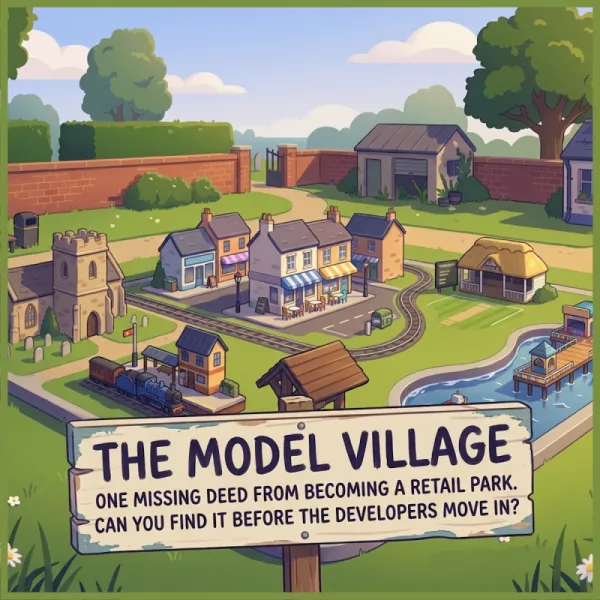
The Model Village
Great-uncle Reg's model village is one missing document away from becoming a retail park. The deeds were hidden in 1962... and the miniature knows where.
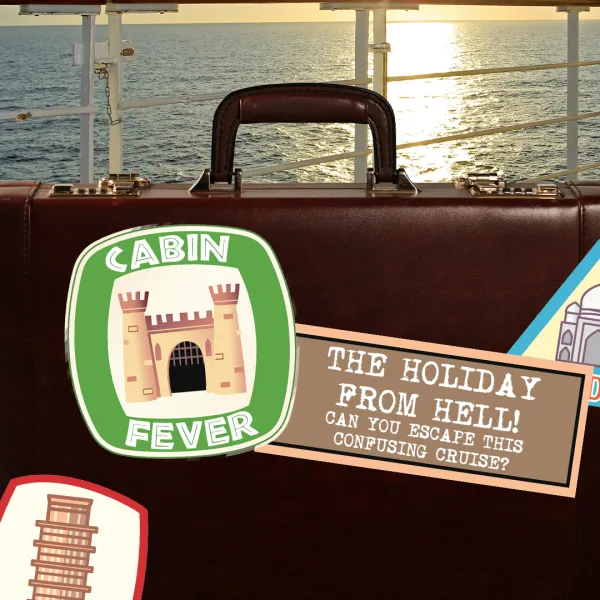
Cabin Fever
You wake up on a cruise ship as the only passengers. Solve the puzzles to make your way through the ship and get yourself back on dry land!

The Missing
Four missing people have disappeared in mysterious circumstances. You and your team must find out what happened to them whilst avoiding suffering the same fate!